The Death of the Password Has Been Greatly Exaggerated
For roughly a decade, the tech industry has promised that passwords are about to die. In 2026, that promise is finally — partially — coming true: the FIDO Alliance counts more than 5 billion passkeys in active use, nearly half of the world's top 100 websites support them, and Microsoft has begun switching passkeys on by default across its enterprise accounts. So it's fair to ask the obvious question: are password managers still necessary, or are they a subscription you can finally cancel?
Here's the spoiler, so you can decide whether to keep reading: password managers are not only still necessary in 2026 — they've quietly become the thing that makes the passwordless transition survivable. But the reasons you need one have shifted, the market has been shaken up by price changes and one spectacular cautionary tale, and "just use what's built into your phone" is a more defensible answer than it used to be. Let's sort it out.
The Passkey Revolution Is Real — and Incomplete
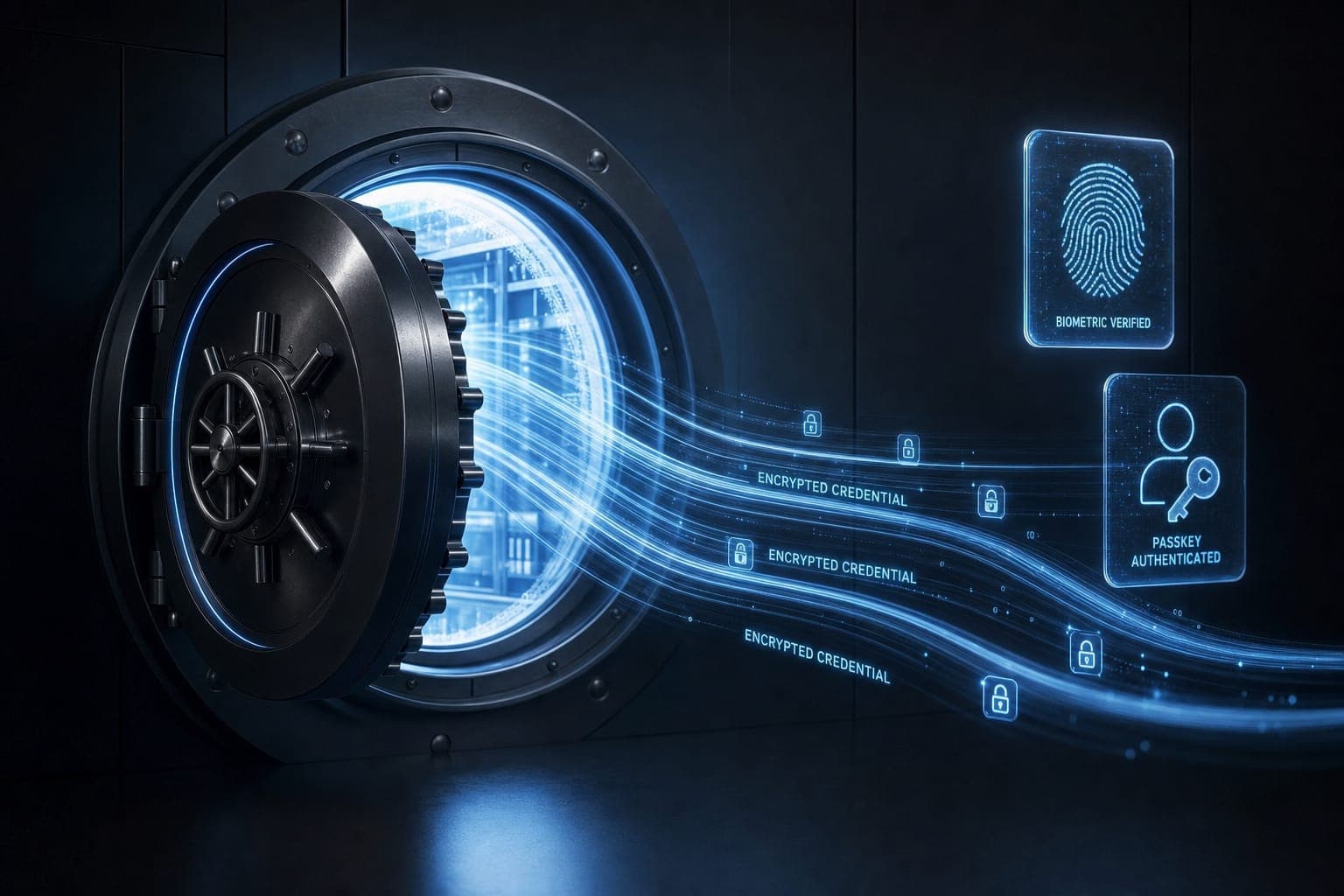
First, credit where due: passkeys genuinely work. Built on standards from the FIDO Alliance, a passkey replaces your password with a cryptographic key pair — the private half never leaves your device (or your synced vault), so there's nothing to phish, nothing to reuse, and nothing for a breached website to leak. Sign-in is a face scan or fingerprint, and login success rates run dramatically higher than with typed passwords. The biometric angle is one we saw coming years ago — our earlier piece Biometrics: Keep Your Identity Secure explains why your fingerprint makes a better key than your pet's name ever did.
Adoption finally hit escape velocity over the past eighteen months. Google, Apple, and Microsoft all nudge users toward passkeys at sign-in. Amazon, PayPal, TikTok, and most major banks support them. Surveys in late 2025 found a majority of consumers had created at least one passkey, and Microsoft began auto-enabling passkey support across its Entra ID business tenants in March 2026.
And yet. The internet has hundreds of millions of password-protected sites, and the long tail — your utility company, your kid's school portal, that forum you joined in 2011, the airline you fly twice a year — will demand passwords for years, plausibly decades. The average person holds well over 100 online accounts. Even optimistic projections leave you managing dozens of passwords deep into the 2030s. The passwordless future is arriving the way the paperless office did: genuinely, but asymptotically.
Why Password Managers Still Matter in 2026
So the real question isn't "passwords or passkeys" — it's "what manages the messy mixture of both that you'll be living with." That's where a modern manager earns its keep:
- The long tail of passwords. For every site that hasn't adopted passkeys, you still need long, unique, randomly generated passwords. Reused passwords remain the attacker's favorite door: credential abuse has consistently ranked among the top initial attack vectors in Verizon's Data Breach Investigations Report, year after year.
- Passkey storage that isn't locked to one ecosystem. Passkeys have to live somewhere. Let Apple hold them and they sync beautifully — to Apple devices. A third-party manager syncs your passkeys across iPhone, Windows PC, Android tablet, and that Linux machine you swear you'll set up properly someday.
- Everything else in your digital junk drawer. Two-factor authentication codes, credit cards, passport numbers, Wi-Fi credentials, software licenses, secure notes, and emergency access for your family if something happens to you.
- Phishing resistance for passwords too. A manager only autofills on the exact domain it saved. If you land on a lookalike phishing site, the silence of the autofill is itself the alarm. Humans verify URLs badly; software verifies them perfectly.
- Breach monitoring. Most good managers now watch dark-web dumps and flag compromised or weak credentials before you find out the hard way.
That last category of threat isn't hypothetical, as one company's customers learned painfully.
The LastPass Lesson: What Happens When It Goes Wrong
No discussion of password managers in 2026 is honest without LastPass. In 2022, attackers compromised a LastPass developer environment and ultimately walked away with backups of customers' encrypted vaults. The encryption held — but only as well as each user's master password and the security settings protecting it. Many older accounts had weak master passwords or outdated encryption-strengthening settings, and website URLs in vaults weren't encrypted at all, handing attackers a map of who banked where.
The aftermath played out for years. Security researchers linked more than 150 million dollars in cryptocurrency thefts to cracked LastPass vaults, and in 2025, US investigators moved to seize millions in stolen crypto tied to the breach. It stands as the worst-case scenario for the entire product category.
So does LastPass prove password managers are a bad idea? Reasonable people asked exactly that — and the security community's answer was a qualified no. The breach validated the core design (zero-knowledge encryption meant attackers got locked safes, not open files) while exposing what actually matters when choosing a provider: a strong master password, modern key-derivation settings, encryption of all vault fields, transparent incident response, and ideally open-source code and regular third-party audits. The lesson isn't "don't use a manager." It's "the vendor's security culture is the product." For more on layering your defenses generally, our guide Armor Up: The Battle Against Cyber Attacks pairs well with this one.
The Best Password Managers in 2026
The market sorted itself into a few clear archetypes. Prices shifted notably this year — Proton cut, Bitwarden raised for the first time in roughly a decade, and 1Password announced increases in March — so treat exact figures as a snapshot.
| Manager | Free tier | Paid (individual) | Standout strength | Passkey support |
|---|---|---|---|---|
| 1Password | No (trial only) | A few dollars/month | Polish, families, Travel Mode | Full, save and sign in everywhere |
| Bitwarden | Yes, excellent | About $20/year | Open source, audits, value | Full, plus credential-exchange pioneer |
| Proton Pass | Yes, generous | $1.99/month | Privacy focus, email aliases | Full, even on the free tier |
| Apple Passwords | Free | — | Zero-effort for Apple devices | Full within Apple's ecosystem |
| Google Password Manager | Free | — | Zero-effort for Android/Chrome | Full within Google's ecosystem |
1Password remains the experience benchmark — the one you can hand to a non-technical parent. Family plans, granular vault sharing, and thoughtful touches like Travel Mode (which hides selected vaults when you cross borders) justify the premium for many households.
Bitwarden is the enthusiast and value pick: fully open source, regularly audited, with a free tier that covers unlimited passwords on unlimited devices. Even after its recent price increase, Premium costs about what one streaming service charges per month — per year.
Proton Pass is the privacy-first challenger, from the Swiss team behind Proton Mail. Its aggressive 2026 price cut and built-in email aliasing (a unique address per site, so leaks are traceable and disposable) have made it the fastest riser, and its free tier includes unlimited passkeys.
The honorable mention is Dashlane, still solid; the conspicuous absence is LastPass, which survives but has never fully rebuilt trust.
Should You Just Use Apple's or Google's Built-In Manager?
Honestly? Maybe. Apple's standalone Passwords app and Google Password Manager are free, frictionless, and secured by two of the best security teams on the planet. If your entire life runs on one ecosystem — iPhone, Mac, Safari, done — the built-in option is a perfectly respectable answer in 2026, and it's infinitely better than reusing passwords or keeping them in a notes app.
The trade-offs appear at the edges. Cross-platform life (iPhone plus Windows, say) gets awkward fast. Organizational features, sharing, secure notes, and 2FA-code handling are thinner. And there's a subtle strategic cost: platform managers deepen your lock-in, since your credentials become one more reason you can't leave. The good news is that the industry's new credential-exchange standard — which Apple, Bitwarden, 1Password, and others began supporting in 2025 — finally makes migrating vaults, passkeys included, a real possibility rather than a hostage negotiation.
A reasonable rule: built-in managers are the floor, not the ceiling. If the floor fits your life, stand on it without guilt.
One more wrinkle worth naming: browser-only password saving — the old "let Chrome remember it" behavior without a protected vault — is the weakest of these options. Modern dedicated managers encrypt everything behind a master credential and biometrics, while loosely protected browser stores have historically been a soft target for infostealer malware, which quietly harvests saved logins from infected machines and has fueled a thriving criminal market in stolen "logs." If malware lands on your PC, a locked vault is the difference between a bad day and a catastrophic one.
Passkeys and Password Managers: Better Together
Here's the reframe that resolves the whole "are they still necessary" debate: the best password managers in 2026 aren't competing with passkeys — they've become the best place to keep them. Save a passkey into 1Password, Bitwarden, or Proton Pass and it syncs across every platform you own, autofills in any browser, and stays portable if you switch ecosystems. The manager handles passwords for the legacy web, passkeys for the modern web, and 2FA codes for everything in between — one vault, one master password (protected, ideally, by a passkey or hardware key itself).
That's why the category isn't dying; it's being promoted. "Password manager" was always a cramped name. What you're really running in 2026 is a credential manager — the single most leveraged piece of security software a normal person can use.
The Bottom Line
So, are password managers still necessary in 2026? Yes — and the recommendation comes in three sizes:
- Minimum: use your platform's built-in manager, today. Unique random passwords everywhere, passkeys wherever offered.
- Better: a dedicated cross-platform manager — Bitwarden free if budget matters, Proton Pass for privacy features, 1Password for families and polish. Turn on breach monitoring.
- Belt and suspenders: add a hardware security key for your email and financial accounts, and store your manager's recovery kit somewhere physical and safe.
Whichever tier you pick, pair it with the fundamentals — strong unique master password, two-factor authentication on the vault itself, and a healthy reflex for spotting scams, which we cover in Stay Safe: Cybersecurity Tips and Tricks.
The key takeaway: passkeys are winning, but the transition will outlast your patience for managing it manually. A password manager in 2026 isn't a relic of the password era — it's the bridge across the long, messy decade between passwords and whatever finally replaces them. Buy the bridge.